 Minbold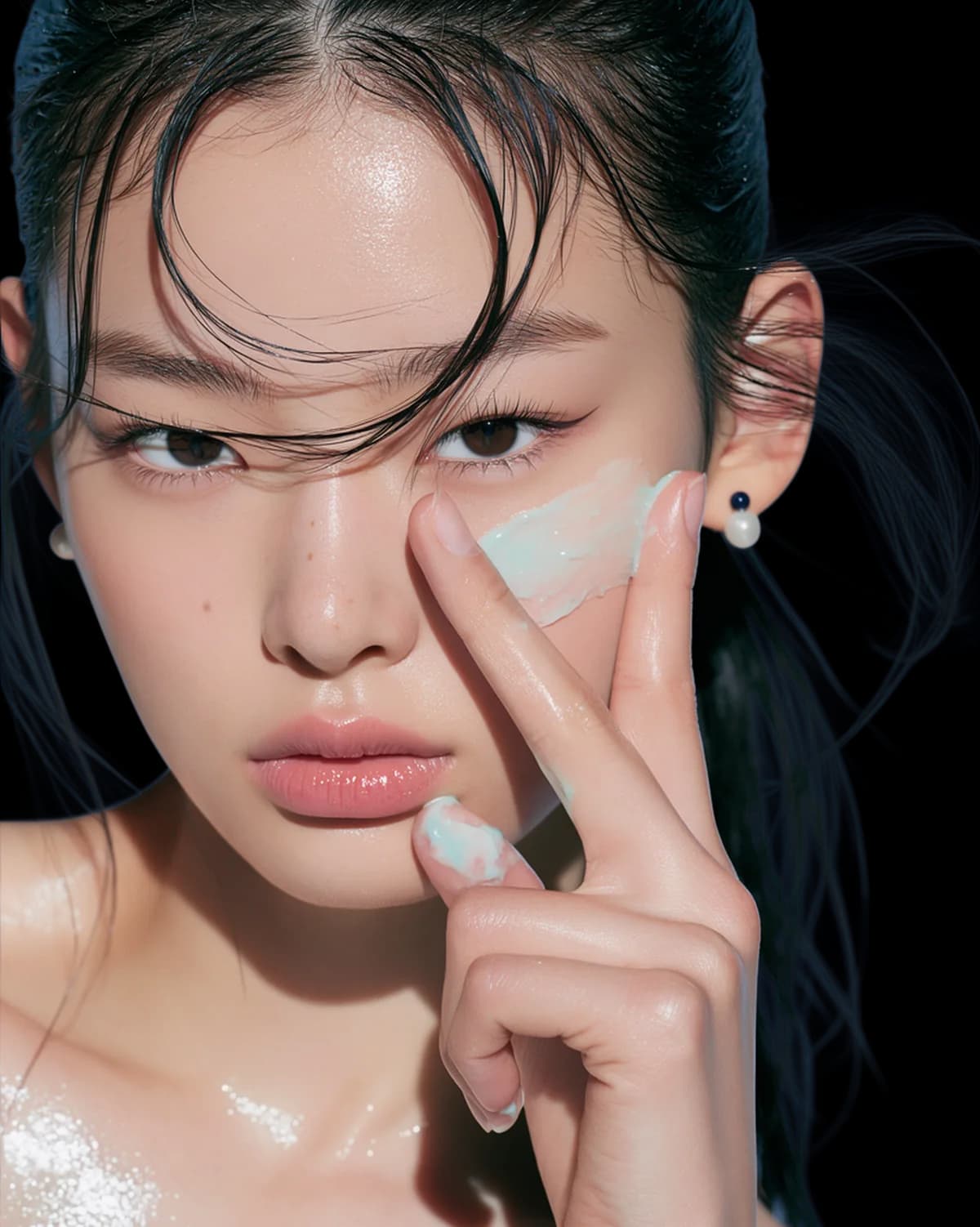

Quitar el fondo de una imagen, en un clic.
Sube tu foto de producto y descarga un PNG transparente con bordes limpios de nivel profesional. Gratis para empezar.
Minbold's AI background remover deletes the background from any image automatically — no lasso, no magic wand, no manual masking. Upload a photo and the AI isolates your product with clean, professional edges, even around hair, mesh, glass and reflections. From there you can download a transparent PNG for marketplaces and mockups, or replace the background entirely with an AI-generated studio backdrop or lifestyle scene. It's built for e-commerce sellers, marketers and designers who need marketplace-ready product images without a photo studio.
How it works
Upload the product
Any photo with a busy or off-brand background — a phone shot is fine.
Remove the background
Minbold's AI isolates the product with clean, commercial-grade edges in seconds.
Keep or replace it
Download the transparent PNG, or generate a fresh on-brand background and export in any ratio.
See the difference
Drag the slider — or tap a sample to open it full-screen.
Clean cutouts, even on the hard edges
Most free background removers fall apart on the details that matter — flyaway hair, transparent bottles, jewellery chains and soft shadows. Minbold's AI is trained on product photography, so it traces intricate edges accurately and keeps the semi-transparent areas of glass, plastic and fabric looking natural instead of stamped out with a blunt outline.
Every cutout is exported as a full-resolution transparent PNG, ready to place on any background, drop into a mockup, or composite into an ad. Because the subject is isolated pixel-perfectly, you never get the tell-tale white halo or jagged fringe that cheap tools leave behind.
Replace the background — don't just erase it
Removing the background is only half the job. With Minbold you can replace the background in the same flow — swap a cluttered counter for a clean studio sweep, or place your product on marble, linen or a sunlit shelf. The AI background changer generates a brand-new scene around your product and relights it so the shadows and reflections match, instead of leaving it looking pasted on.
That makes it a genuine AI background changer, not just an eraser: change the background of a photo to a solid colour for Amazon, a lifestyle set for Instagram, or a seasonal scene for a campaign — all from one upload, with no reshoot. When you need to replace the background in a photo and have it still look shot in-camera, the relighting step is what sells it.
Marketplace-ready in one step
Amazon wants a pure white background. Shopify, Etsy and eBay each have their own image guidelines. Minbold gives you a clean cutout you can drop onto white for a compliant main image, or onto branded scenes for your storefront and ads — in every aspect ratio your channels need.
Selling a whole catalogue? Remove and replace backgrounds across dozens of product photos at once with batch processing, so an entire product line gets a consistent, on-brand look in minutes instead of days.
Why AI beats the magic wand
Manual selection tools — the lasso, the magic wand, the pen tool — are slow, and they break the moment an edge gets complicated or the product colour is close to the background. Minbold's AI does the selection for you in seconds and handles the exact cases that trip up manual tools: wispy hair, wire, netting, and reflective or see-through packaging.
The result is a commercial-grade cutout without the Photoshop skills or the hours it usually takes. Instead of zooming in to clean up a fringe pixel by pixel, you upload, review, and move on to the next photo — which is what makes it practical to process a whole catalogue rather than a single hero shot.
On paid plans every image carries a full commercial license, so both your cutouts and your new backgrounds are cleared for paid ads and marketplace listings, with no attribution and no per-image royalties to track.
Built for every kind of product
Whether you sell cosmetics, apparel, jewellery, food or electronics, the AI adapts to the subject. It cuts around a matte skincare tube as cleanly as a glossy watch face or a soft knit jumper, so a mixed catalogue comes back looking consistent instead of hand-edited by three different people on three different days.
The cutout is only the starting point. The same isolated product can appear on a plain white marketplace background, a warm lifestyle scene and a bold campaign backdrop — one upload, reused across every channel and format you publish to, from square marketplace thumbnails to wide banner crops.
That flexibility is what turns a background remover into a full product-image workflow: cut out once, then place, relight and resize as many times as your store, ads and social calendar need — without ever booking another shoot.
Why Minbold
Edge-perfect cutouts
Handles the fine edges — hair, mesh, transparent glass — that simple tools miss, with no white halo or jagged fringe.
Transparent PNG
Export full-resolution, ready-to-place cutouts for marketplaces, mockups, decks and ads.
Replace, don't just remove
Swap straight to an AI-generated studio background or lifestyle set — relit to match — in one flow.
Frequently asked
How do I remove the background from an image?
Upload your photo to Minbold and the AI removes the background automatically — no manual selection needed. You get a clean cutout in seconds that you can download as a transparent PNG or place on a new background.
Can I replace the background instead of just deleting it?
Yes. After the cutout you can replace the background with a solid colour, an AI-generated studio backdrop or a lifestyle scene. Minbold relights the product so the new background looks natural, not pasted on.
Does it handle transparent or reflective products?
Yes — glass bottles, jars and reflective packaging are handled with soft, accurate edges, keeping the see-through areas looking natural instead of cut out with a hard outline.
Can I get a transparent PNG?
Every cutout can be exported as a full-resolution transparent PNG, ready for marketplaces, mockups, decks and ads.
Is it good enough for Amazon and Shopify?
Yes. You can place your cutout on a pure white background for Amazon's main-image requirement, or on branded scenes for Shopify, Etsy and social — in the ratios each channel needs.
Is the cutout free to use commercially?
On paid plans, yes — cutouts and replaced backgrounds carry a full commercial license for ads and marketplace listings. You can start for free to try it.